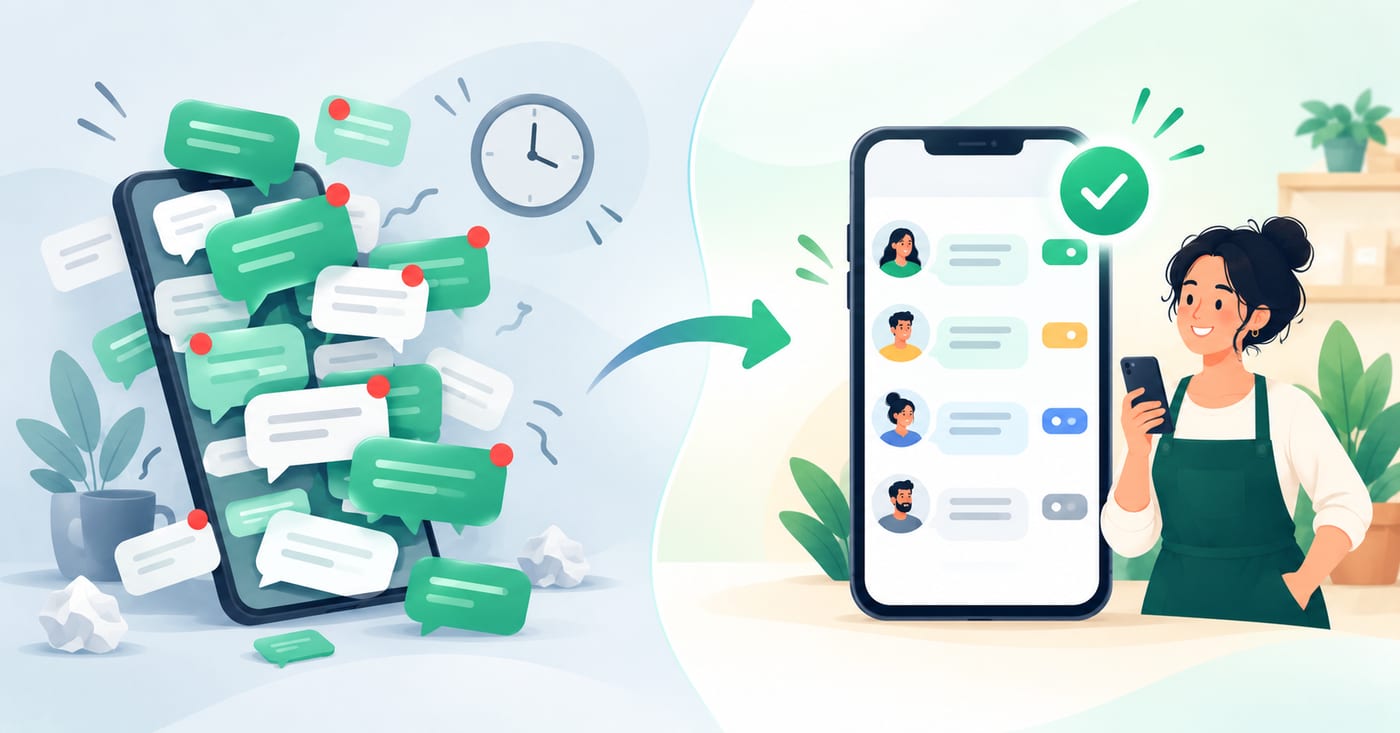
A customer messages you on WhatsApp at 6:40pm asking about a price. You see it the next morning, reply, and hear nothing back. They've already bought from someone else.
Missed messages are rarely about laziness. They happen because WhatsApp was built for chatting with friends, and a business inbox needs a few extra habits and tools on top of it. This guide gives you seven fixes, starting with the ones you can do today for free.
Why messages get missed
Before the fixes, it helps to know the usual causes:
- Busy chat lists. New enquiries sink below old conversations.
- Outside working hours. Customers write in the evening or at the weekend, and nothing tells them when you'll reply.
- Nobody owns the chat. On a shared number, everyone assumes a colleague is handling it.
- One phone, one person. If the phone is off, charging or with someone on leave, messages wait.
- No way to see what's unanswered. Without a status system, you can't tell "replied" from "forgotten."
Each fix below targets one or more of these.
Tired of messages slipping through? RelayThrough assigns every chat to a person so none go unanswered.
How It Works →Fix 1: Set business hours and an away message
An away message answers automatically so customers know you've seen their message and when to expect a reply. In the WhatsApp Business app, you'll find it under Business tools. You can choose to send it always, on a custom schedule, or outside your business hours. For the last option to work, your working hours need to be entered in your business profile.
Good away messages are specific. "We'll reply soon" tells the customer nothing. A better one gives your hours, when they'll hear back, and another way to reach you:
"Thanks for your message. We're closed right now. Our hours are Mon-Fri, 9am-6pm, and we'll reply first thing when we open. For urgent issues, call [number]."
Two limits to know: the away message supports text only, and the app allows just one active away message at a time.
Fix 2: Add a greeting message for new contacts
A greeting message welcomes first-time contacts, and some guides report it also sends after about 14 days of inactivity. Use it to set expectations and gather details up front:
"Hi! Thanks for contacting [Business]. To help us reply faster, please tell us your name and what you need help with."
Asking for the details you always end up asking for saves a round of messages. Like the away message, it's a single static text, so keep it short.
Fix 3: Save quick replies for repeat questions
Quick replies are saved messages you retrieve by typing "/" in the message box. They don't send themselves, so a person still chooses and sends each one, but they cut the time to answer common questions such as prices, opening hours, delivery areas and booking steps.
Faster replies mean shorter queues, and shorter queues mean fewer missed chats. Start by saving answers to your five most common questions.
Fix 4: Use labels as a simple status system
Labels let you colour-code and categorise conversations by status or type. That's enough to solve the "replied or forgotten?" problem. Try four labels:
- New: someone just wrote, and nobody has replied
- Waiting on us: the customer is waiting for an answer, a quote or a callback
- Waiting on customer: you've replied and are waiting for them
- Done: resolved
At the end of each day, filter by "New" and "Waiting on us." Anything still sitting there is a customer you're about to lose.
Labels help, but they're manual. RelayThrough tracks who owns each chat for you.
Book a Demo →Fix 5: Give the inbox one owner (and a back-up)
On a shared number, "everyone's job" turns into "nobody's job." Decide:
- Who checks messages first thing in the morning?
- Who covers lunch breaks and days off?
- Who is the back-up if the owner is away?
Write the rota where the team can see it. Even a tiny team benefits from one named person per shift.
Fix 6: Set a response-time standard
"As fast as we can" can't be measured, so it can't be improved. Pick a target your team can actually hit, such as "first reply within one hour during business hours" or "by 10am the next working day for overnight messages." Then check it once a week by scanning your "Waiting on us" label.
Choose something realistic. A target you miss every day does more harm than a slower one you meet.
Add a handover rule too: when a chat passes from one person to another, post a one-line summary of what's been promised ("Quote sent, waiting on size confirmation"). Otherwise the next person starts blind.
Fix 7: Move to a shared inbox when the app stops being enough
Fixes 1-6 will take a small team a long way. But there's a ceiling, and these are the signs you've hit it:
- Two people regularly answer the same customer, or nobody does
- You can't tell who handled a conversation last week
- Team members keep texting each other on the side to share context
- A customer is waiting because the only phone with the chat is switched off
- You need a searchable history for compliance or training
The reason is that the free app has no chat assignment or internal notes, and everyone sees one shared list. A shared team inbox built on the WhatsApp Business API fixes this with:
- Assigned conversations, so every chat has a clear owner
- Internal notes that customers never see, to pass context between teammates
- Individual logins, so no one depends on a single phone
- Full conversation history, searchable by anyone on the team
RelayThrough connects your existing WhatsApp Business number to a shared inbox with exactly these features, plus task tracking. Customers keep messaging the same number and notice no change.
See RelayThrough on your own number.
Request a demo →A 15-minute setup checklist
Do these today:
- Enter your business hours in your profile
- Turn on an away message that states your hours and reply time
- Turn on a greeting message that asks for the details you usually need
- Save quick replies for your top five questions
- Create the four status labels
- Name an inbox owner and back-up
- Write down your response-time standard
FAQ
Does the away message work if my phone is off?
It can be unreliable. Some guides report that in the app it works best when the phone has an active internet connection, which is one of the app's limits compared with an API-based inbox.
Can I send the away message to only some customers?
Yes. When you set it up, you can choose who receives it.
Can I add images to my away or greeting message?
No. Both support text only in the free app, though quick replies can include images and documents.
How fast should I reply on WhatsApp?
There's no official rule. Most customers expect messaging to be quick, so aim for a clear, consistent standard such as the same working hour, and make sure out-of-hours messages get an away message.
What's the best way to stop missing messages with a team?
Give every conversation an owner. Labels and a rota can do this on the free app, and a shared inbox does it automatically.