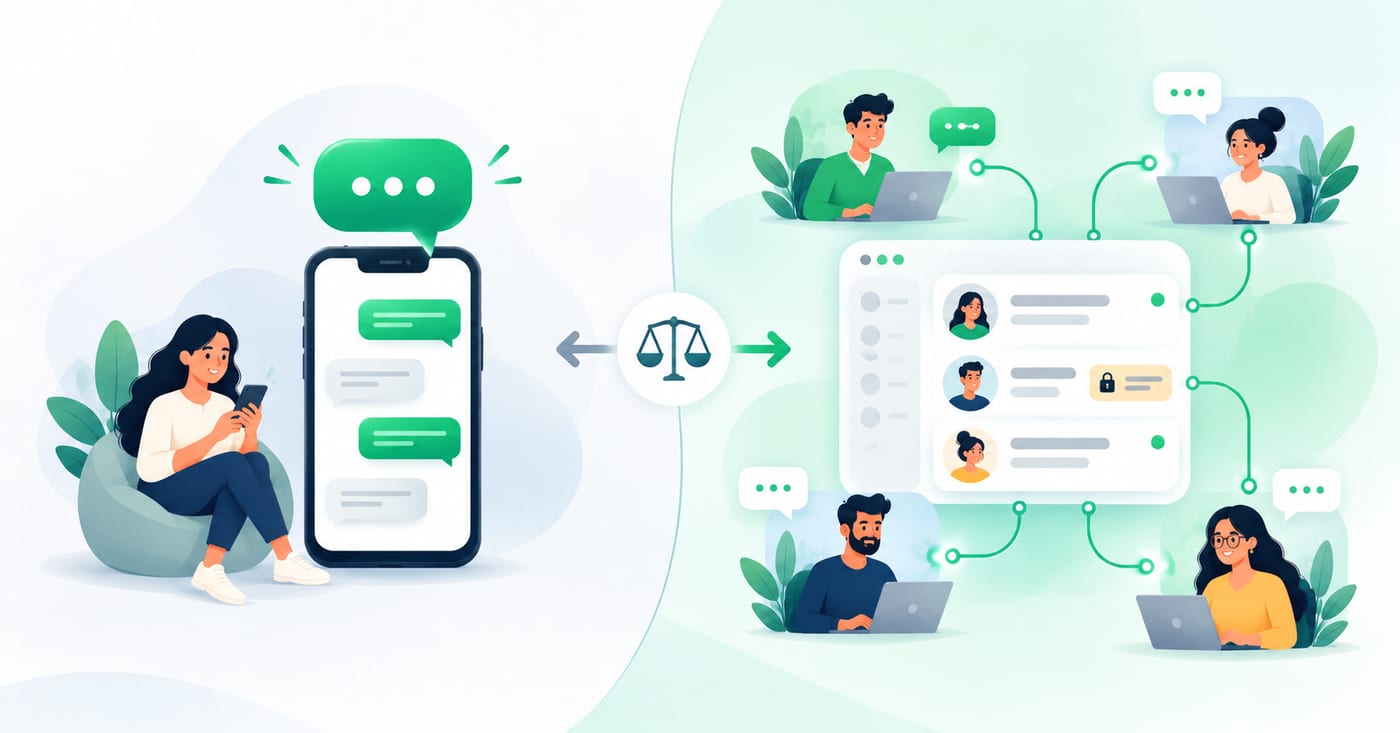
WhatsApp gives businesses two official ways to talk to customers: the free WhatsApp Business app and the WhatsApp Business API (also called the WhatsApp Business Platform). They look similar from the customer's side, but they behave very differently once more than one person is involved.
This guide compares them on what matters to a team: who can reply, what you can send, what it costs, and when it's time to switch.
The short answer
- Choose the app if you're a solo owner or a very small team, you mostly chat 1:1, and you don't need automation or reporting.
- Choose the API if several people reply to customers, you need to know who owns each conversation, or you want automation, integrations or larger campaigns.
If you've ever asked "did anyone reply to that customer?", you've probably outgrown the app.
Not sure which side of this table you're on? Book a 30-minute demo, and we'll tell you honestly whether the free app is enough.
Chat With Us →At a glance
| WhatsApp Business app | WhatsApp Business API | |
|---|---|---|
| Cost to start | Free | Provider fee, plus Meta's per-message charges for templates |
| Team access | 1 phone + 4 linked devices | Unlimited seats, each with a login |
| Chat assignment and notes | No | Yes, through your inbox software |
| Broadcasts | Limited audience size | Larger campaigns to opted-in customers |
| Automation and chatbots | Basic quick replies | Full automation and integrations |
| CRM and tool integrations | Limited | Yes |
| Setup | Install and verify | Through a provider |
| Best for | Solo owners, tiny teams | Growing teams, regulated industries |
What the WhatsApp Business app is
The app is a free mobile app built for small businesses. It adds features such as catalogs and quick replies on top of regular WhatsApp. You can also link extra devices: up to four linked devices and one phone at a time.

That makes it a good starting point. The limits show up when a team grows:
- Everyone sees everything. The app has no assignment, per-agent history, routing or internal notes, so with five people linked, all five see the same list and nobody owns a conversation.
- It depends on one phone. If the primary phone stays offline for more than 14 days, WhatsApp logs out all linked devices.
- Campaigns are small. Broadcasts on the app are limited to 256 contacts, with no automation.
What the WhatsApp Business API is
The API is WhatsApp's business platform, designed for larger teams and higher volumes. There's no app to open. Instead, you connect your number to software that provides the inbox and features. Businesses generally need an official WhatsApp solution provider to build enterprise-level features on top of the API.

What that unlocks:
- A real team inbox. The app is capped at four linked devices, while the API has no limit on user seats. Each person gets their own login, chats can be assigned, and notes stay private to your team.
- Automation and integrations. The API adds automation, CRM connections and multi-agent support.
- Bigger campaigns. Broadcasts can go to unlimited opted-in users.
Set up the API's team features yourself without managing providers?
See How It Works →The differences that matter for teams
1. Who can reply, and who owns the chat
This is the biggest difference. On the app, five linked devices share one list. On the API, you can assign a chat to a person, see who replied, and leave internal notes, so handovers don't depend on someone remembering to tell a colleague.
2. Messaging outside the 24-hour window
On the API, WhatsApp draws a line around the customer service window. Non-template messages can only be sent within an open 24-hour customer service window, which opens when the customer messages you. Outside it, you can only send pre-approved template messages. This matters for follow-ups and reminders, and it's something the app doesn't ask you to think about.
3. Cost
The app is free. The API has two cost layers:
- Meta's message charges. Meta charges per delivered template message, and rates vary by template category and the recipient's country. Meta's pricing page states that replies within an open service window are free, and that a 72-hour free window applies when someone messages you through a Click to WhatsApp ad. Some providers report that Meta plans to start charging for service messages from 1 October 2026. Check Meta's pricing page for the current rules before you plan a budget.
- Your provider's fee. This is the monthly platform charge for the inbox and features. Providers price differently, so compare the total, not just the headline number.
For teams that mostly reply to inbound customers, the message charges are often modest. Costs rise with campaigns and template-heavy workflows, so estimate your volume first.
4. Automation and integrations
The app offers quick replies and greeting messages. The API lets you connect to a CRM, trigger messages from other tools, and route conversations automatically. If you don't need any of that, this difference won't matter to you.
5. Records and compliance
For clinics, financial services and other regulated businesses, a searchable, timestamped record of who said what is often more important than any feature. The app keeps history on devices, not in a shared system, while an API-based inbox stores it centrally.
Can you switch without losing your number?
Usually yes. Meta's Coexistence feature lets a business keep using the app on their phone while also enabling API access on the same number. This means you can keep your existing number and chat history rather than starting over. Ask any provider exactly how they handle onboarding and history for your setup.
How to decide: five questions
- How many people reply to customers? More than 2-3, lean API.
- Do you ever need to know who handled a conversation? If yes, API.
- Do you send bulk messages or follow-ups after the 24-hour window? If yes, API.
- Do you need WhatsApp to connect to your CRM or other tools? If yes, API.
- Do you operate in a regulated industry? If yes, API for the record-keeping alone.
If you answered "no" to all five, the free app is a good choice. Stay on it until one of them becomes a yes.
Where RelayThrough fits
RelayThrough is built for teams that have outgrown the app. It connects your existing WhatsApp Business number to a shared team inbox, so your customers keep messaging the same number and notice no change. Your team gets individual logins, private internal notes, task tracking and full conversation history. Plans start from $49.99 a month for up to 10 team members.
See RelayThrough on your own number.
Request a demo →FAQ
Is the WhatsApp Business API free?
No. You pay a provider for the software, and Meta charges per template message sent. Replies inside an open customer service window are covered by Meta's separate rules, so check its pricing page for the latest.
Can I use the app and the API together?
Yes, in many cases. Coexistence lets you keep using the app on your phone while the number is also connected to the API.
Do I need a developer to use the API?
Not if you use a provider with a ready-made inbox. Most small businesses never touch the technical side.
How many people can use the free app?
One phone plus four linked devices.
When should I switch from the app to the API?
When more than a couple of people reply, when conversations get missed or duplicated, or when you need automation, integrations or records.