
When three people share one WhatsApp number, every new message creates the same question: who's taking this one?
Without an answer, you get one of two outcomes. Two people reply to the same customer, or everyone assumes someone else has it and nobody does. Assigning each chat to a named person fixes both.
There are three ways to do it, depending on your team size and budget. This guide walks through each one, what it can and can't do, and how to choose.
Skip the workarounds. See how RelayThrough lets you assign every WhatsApp chat to a teammate, with no change for your customers.
Request a demo →Why assigning chats matters
Assignment gives every conversation three things a shared list can't:
- An owner. The customer is waiting on a specific person, not "the team."
- Accountability. You can see who handled what, which helps with training, handovers and complaints.
- Less duplication. Colleagues stop replying over each other.
The more people reply, the more this matters.
Method 1: Labels on the free WhatsApp Business app (the workaround)
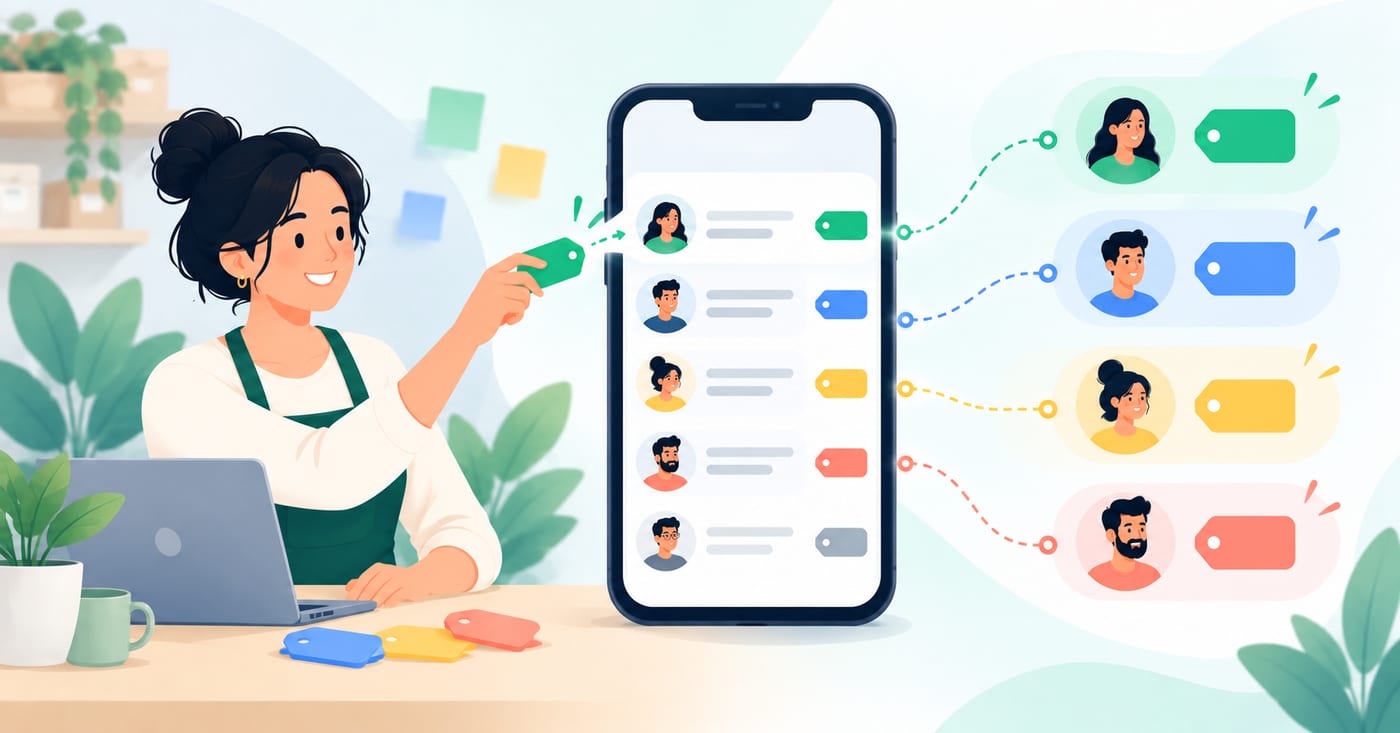
The free app has no assignment feature. What it does have is labels, which let you colour-code and categorise conversations. With a little discipline, labels can stand in for assignment.
How to set it up
- Create one label per team member, such as "Priya," "Rahul" and "Sam."
- Add a label for "Unassigned" and one for "Done."
- Whoever sees a new chat first applies a person's label, and that person owns it.
- At the end of the day, filter by "Unassigned." The list should be empty.
What it can do: it works for two or three people, costs nothing, and builds the habit of assigning every chat.
Where it falls short:
- It's manual. If nobody applies the label, nothing happens.
- Everyone sees every chat. The label is a convention, not a rule.
- It doesn't record who sent each message, so there's no audit trail.
- Labels sit on the app's shared list of up to five linked devices, so they won't scale much past a small team.
Method 2: Meta's multi-agent feature
WhatsApp has a paid multi-agent feature that adds real assignment inside the Business app. It lets you connect more devices and assign chats to your sales agents. The multi-agent version allows up to 10 devices instead of four, lets you assign chats to agents, and shows which device or agent sent each message. The maximum number of devices depends on what's included in your Meta Verified or Meta One subscription.
How it works
- In the Chats tab, tap and hold a chat.
- Tap More Options (three dots) and choose Assign chat.
- Pick yourself or another agent and tap Save.
- To see your own workload, search the Chats tab and filter by Assigned to you.
What it can do: it's the quickest official upgrade from the free app, and it keeps the interface your team already knows.
Where it falls short:
- Availability. Meta's own help page notes that the premium version of the feature may not be available to you yet. Check in your own app before you plan around it.
- Still a device-based tool. You're limited by device count, and it's still tied to the phone and app.
- Basic assignment only. There are no rules, queues, private team notes or reporting.
Need more than basic assignment? Give each teammate their own login and task tracking on the number you already use.
See How It Works →Method 3: A shared inbox on the WhatsApp Business API
This is the route most growing teams end up on. Instead of mirroring a phone, you connect your WhatsApp Business number to a shared inbox through the official API. The multi-agent setup is built on the API, which removes the single-device restriction of the standard app, so each agent gets their own login within a shared inbox.
What assignment looks like in a shared inbox
- Manual assignment. Open a conversation and assign or reassign it to a teammate.
- Reassignment on handover. If someone is off sick or on leave, move their chats to a colleague in a few clicks, with the full history attached.
- Internal notes. Teammates leave context in the conversation that the customer never sees, so a handover doesn't start from zero.
Many platforms also offer rule-based routing, such as round-robin distribution, skill-based routing that sends pricing questions to sales and technical ones to support, and load balancing that caps each agent's active chats. These are optional, and for a small team, simple manual assignment is usually plenty. Check what a provider actually offers before you assume a feature exists.
What it can do: unlimited seats, clear ownership, a central searchable history and per-person accountability, regardless of which phone or laptop anyone uses.
Where it falls short: it costs money, and you'll need to choose a provider, as we covered in our guide to WhatsApp Business app vs API.
Which method should you choose?
| Your situation | Best fit |
|---|---|
| 2-3 people, low volume, tight budget | Method 1: labels |
| 4-10 people who want to stay in the familiar app, and Meta's feature is available to you | Method 2: Meta's multi-agent |
| Growing team, shared history, handovers, accountability | Method 3: shared inbox |
| Regulated industry (clinic, finance) needing a record | Method 3 |
If you're unsure, start with labels this week. If you find yourself wishing for notes, history or a reassign button, you've outgrown it.
Five habits that make assignment work on any method
- Assign every new chat right away. Don't leave chats "up for grabs." Unclaimed chats are how messages get missed.
- Agree the rules once. Decide whether you assign by topic, by customer or account, by language, or in rotation, and write it down.
- Keep a clear "unassigned" view and check it at set times each day.
- Use a one-line handover note when a chat changes hands: what's been promised and what's pending.
- Cover absences. Name a back-up for every person, so a day off doesn't strand a customer.
FAQ
Can I assign chats on the free WhatsApp Business app?
Not natively. You can use labels as a manual workaround.
What does Meta's multi-agent feature cost?
It's tied to a Meta Verified or Meta One subscription, and the device limit depends on the plan. Check the current plans in your app, because availability varies.
How many people can handle chats at once?
On the free app, one phone plus four linked devices. With Meta's multi-agent, up to 10 devices, depending on your subscription. On the API, the number of seats depends on your provider and plan.
Can customers tell which team member is replying?
Customers see your business number. Whether a name appears depends on how you sign your replies.
Do I have to change my number to use a shared inbox?
Generally no. Ask any provider how they connect an existing number and what happens to your chat history.