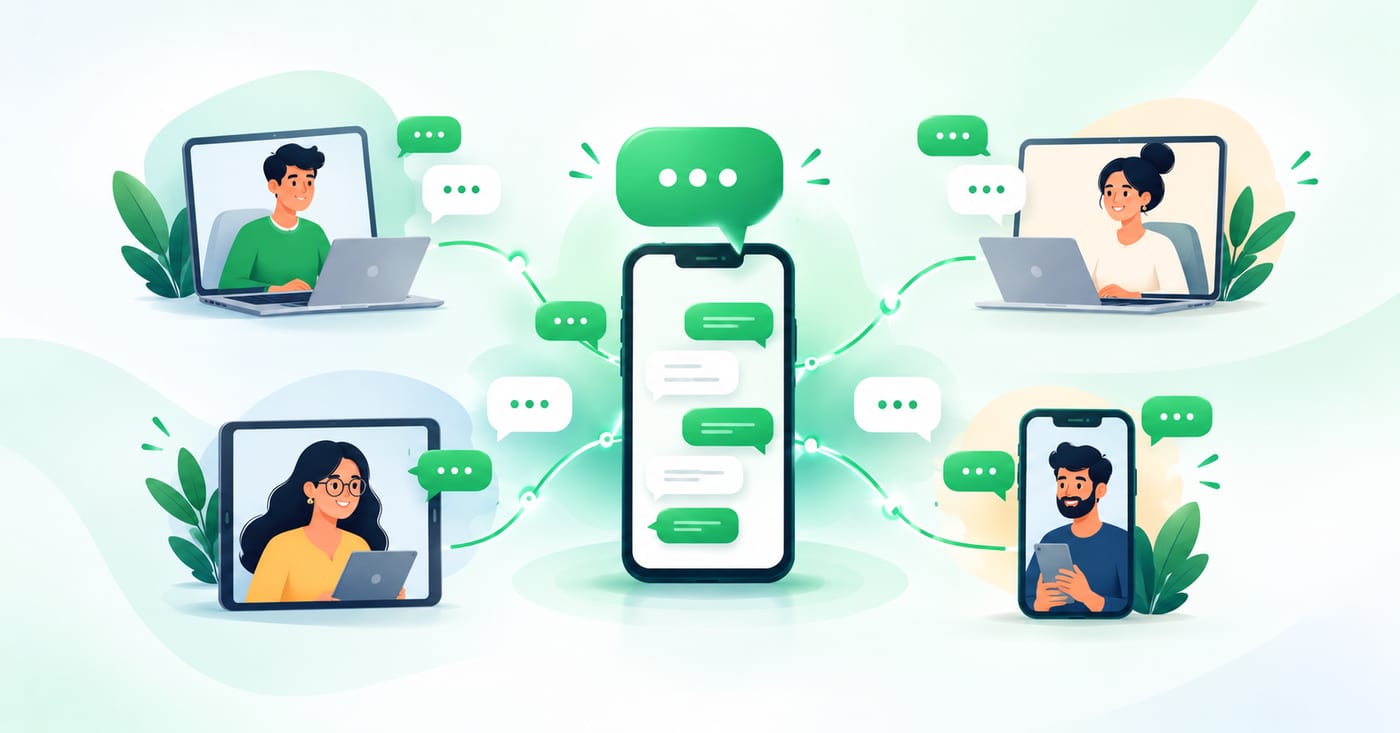
Your customers message one WhatsApp number. Your team is five people. So who answers?
Most small businesses start with one phone, passed around the office or left with whoever "handles WhatsApp." It works until someone goes on leave, two people reply to the same customer, or an urgent message sits unread for three hours.
The good news is that you can let several people use one WhatsApp Business number. The catch is that there are three very different ways to do it, and each has limits. This guide explains all three and how to choose.
Can multiple people use one WhatsApp Business number?
Yes. What you can't do is register the same number on two separate phones. Registering the same number again on another phone doesn't create a parallel session, and it logs the previous one out. Every real method for sharing a number is therefore either linking extra devices to one main account or using a system built for teams.
Option 1: Linked devices on the WhatsApp Business app
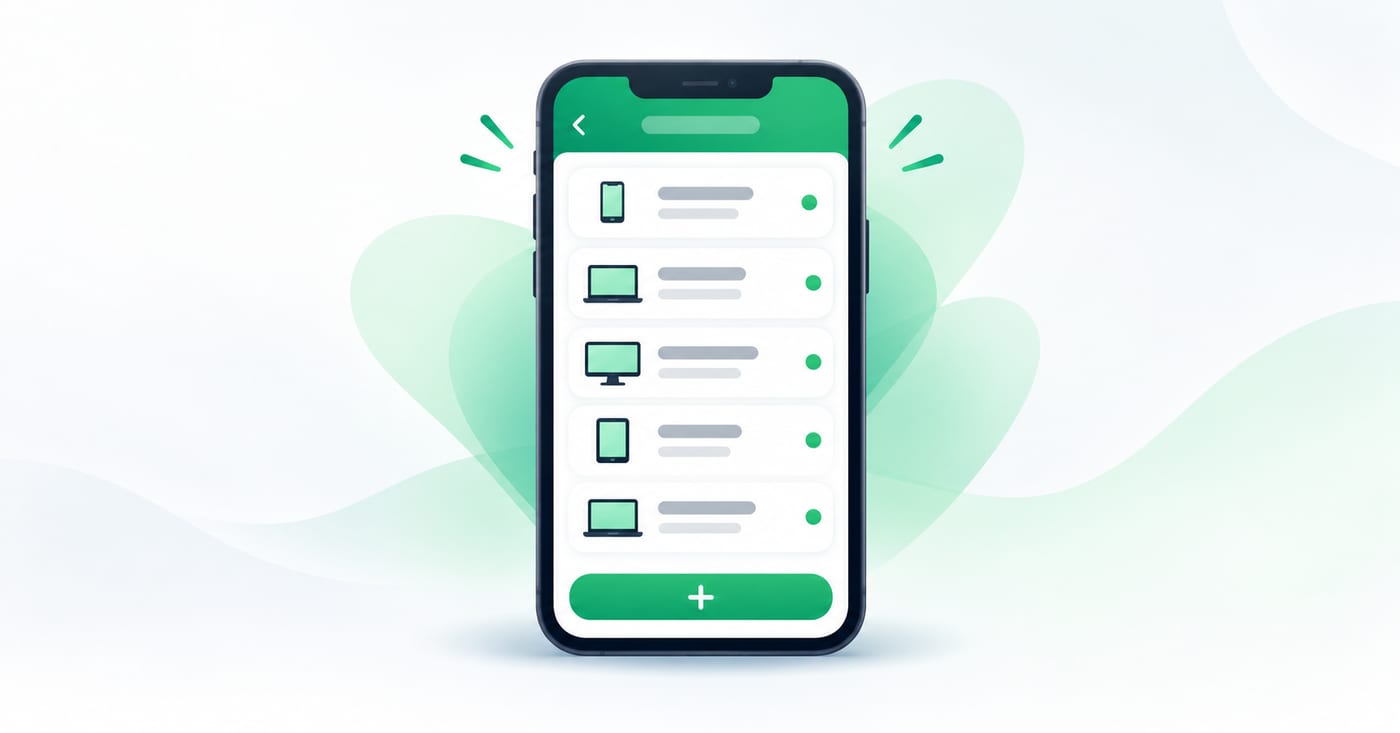
This is the free, built-in route. The WhatsApp Business app allows one phone plus up to four linked devices at a time. You scan a QR code from each laptop or extra device, and it shows the same chats as your main phone.
Works well when:
- You're a solo operator or a team of two or three
- You get a manageable number of messages a day
- You don't need reporting, automation or campaigns
Where it breaks down:
- Everyone sees everything. All linked devices share one conversation list, with no per-person view. Nothing marks which chats are whose.
- No team tools. The app has no assignment, per-agent history, routing or internal notes, which are the four features support and sales teams rely on.
- Dependence on the main phone. If the primary phone stays offline for more than 14 days, WhatsApp logs out all linked devices, and each one has to be linked again.
- A hard ceiling. Five people is the maximum, and in practice it feels crowded well before that.
The typical failure is duplicate replies. Two people answer the same customer, or each assumes the other has it, so nobody does.
Option 2: A higher device limit through Meta's paid plans
WhatsApp has been building paid tiers for businesses that need more than the free app allows. Its help centre describes a multi-agent feature where you connect more devices and assign chats to sales agents. It also notes that the maximum number of devices depends on the benefits in your Meta Verified or Meta One subscription.
That same help page says the premium version of the feature may not be available to everyone yet. Treat this as a "check your own account" option, and confirm what your plan includes before you plan around it.
Option 3: A shared team inbox on the WhatsApp Business API
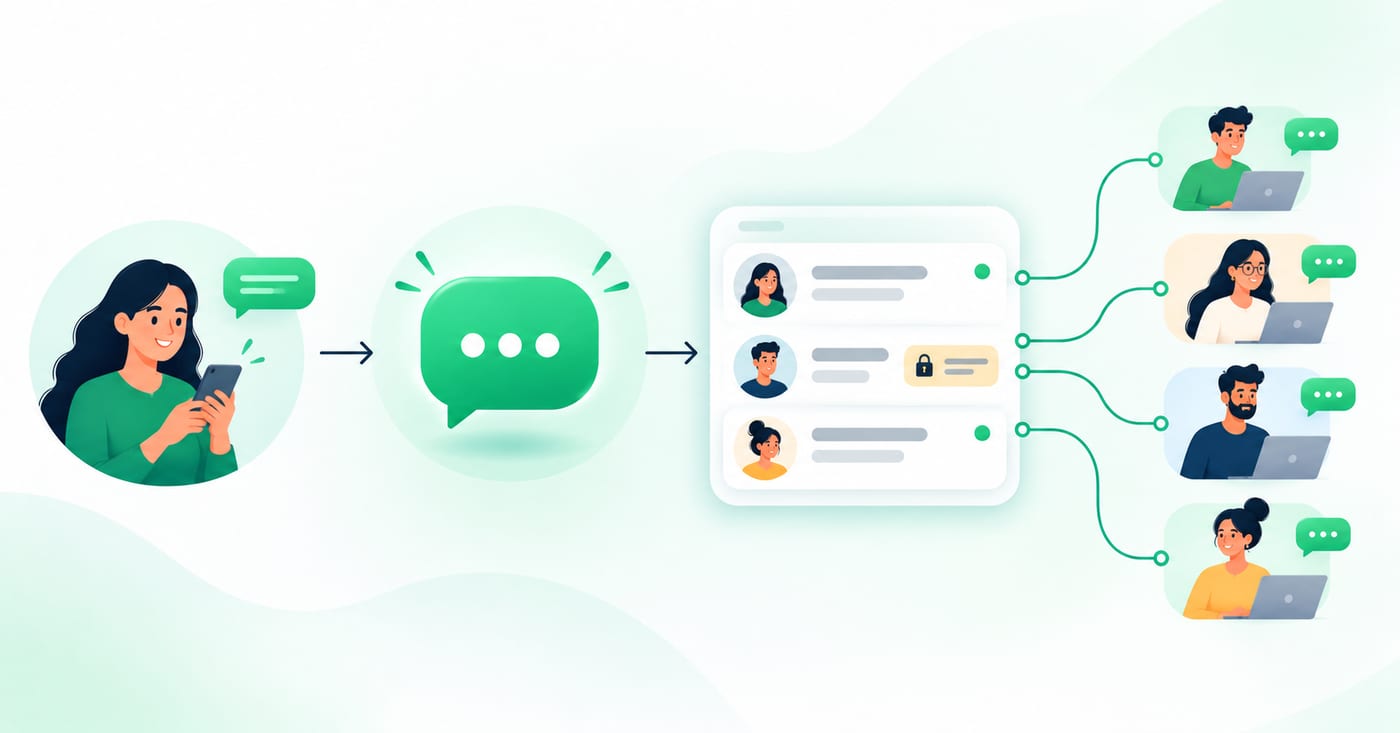
This is the route most growing businesses take. Instead of mirroring a phone, you connect your number to a shared inbox through the official WhatsApp Business API. The app is capped at four linked devices, while the API has no limit on user seats.
Each team member gets:
- Their own login, so no shared phone and no passing a device around
- Assigned conversations, so it's clear who owns each customer
- Internal notes that the customer never sees
- A searchable history, so a new hire sees what was promised before they joined
The API is accessed through a Business Solution Provider (BSP), and Reepli's guide puts BSP costs at roughly €50 to €150 a month before message fees. That's one reason to compare providers on total monthly cost rather than the headline price.
Some providers also support running the app and the API on the same number, which lets you keep your number and existing chats. Ask any provider you're considering exactly how this works for your setup before you commit.
Which option should you choose?
| Your situation | Best fit |
|---|---|
| Solo owner or 2-3 people, low volume | Linked devices on the free app |
| Growing team, and you can check Meta's paid tiers for your account | Meta's multi-agent option, if available to you |
| 5+ people replying, missed messages, need accountability | A shared inbox on the WhatsApp Business API |
| Regulated industry (clinic, finance) that needs a record | The API with a full message history |
A simple test: if you've ever asked "did anyone reply to that customer?", you've outgrown the free app. The device limit is only a symptom. The real problem is that nobody owns a given conversation.
What to look for in a shared WhatsApp inbox
If you go the API route, compare providers on these points:
- Official API only. Avoid tools that work by scanning a QR code into an unofficial bridge, since these carry a risk of the number being restricted.
- Internal notes built in. Otherwise, your team coordinates in a second app and context gets split.
- Task tracking. Handing something off should leave a record.
- Clear pricing. Look for flat monthly pricing rather than per-seat or per-message add-ons that grow with you.
- Simple onboarding. You shouldn't need a developer to connect an existing number.
How RelayThrough handles this
RelayThrough connects your existing WhatsApp Business number to a shared team inbox, so your customers keep messaging the same number and notice no change. Your team gets individual logins, private internal notes, task tracking and full conversation history in one place. Plans start from $49.99 a month.
See RelayThrough on your own number.
Request a demo →FAQ
Do my customers need to do anything differently?
No. They message the same number they always have.
Can I keep my current number?
Generally yes. Confirm with any provider how it connects to your existing number and what happens to your chat history.
Is the free WhatsApp Business app enough for a small team?
For one to three people with modest volume, yes. Once you need assignment, notes or accountability, you'll want something more.
How many people can use one WhatsApp Business number?
On the free app, one phone plus four linked devices. On the API, the number of seats depends on your provider and plan.